Building Thea — A Beautiful, Native Light Meter for Photographers
As a film photographer, I’ve always loved the tactile, intentional process of shooting with analog gear — but I’ve also always wished for a better light meter. Most apps I tried were clunky, outdated, or tried to do too much. So I built Thea: a simple, modern, native iOS light meter designed specifically for photographers who want speed, clarity, and elegance in their tools.
Why Thea?
Thea is a spot metering app that focuses on the essentials. It’s built for people who shoot manually — whether on film or digital — and want full control over exposure. The app starts instantly, looks great, and provides intuitive touch gestures that make adjusting aperture, ISO, and EV feel natural. I wanted it to be the kind of app you forget you’re using — it just becomes part of your process.
Designed Like a Camera
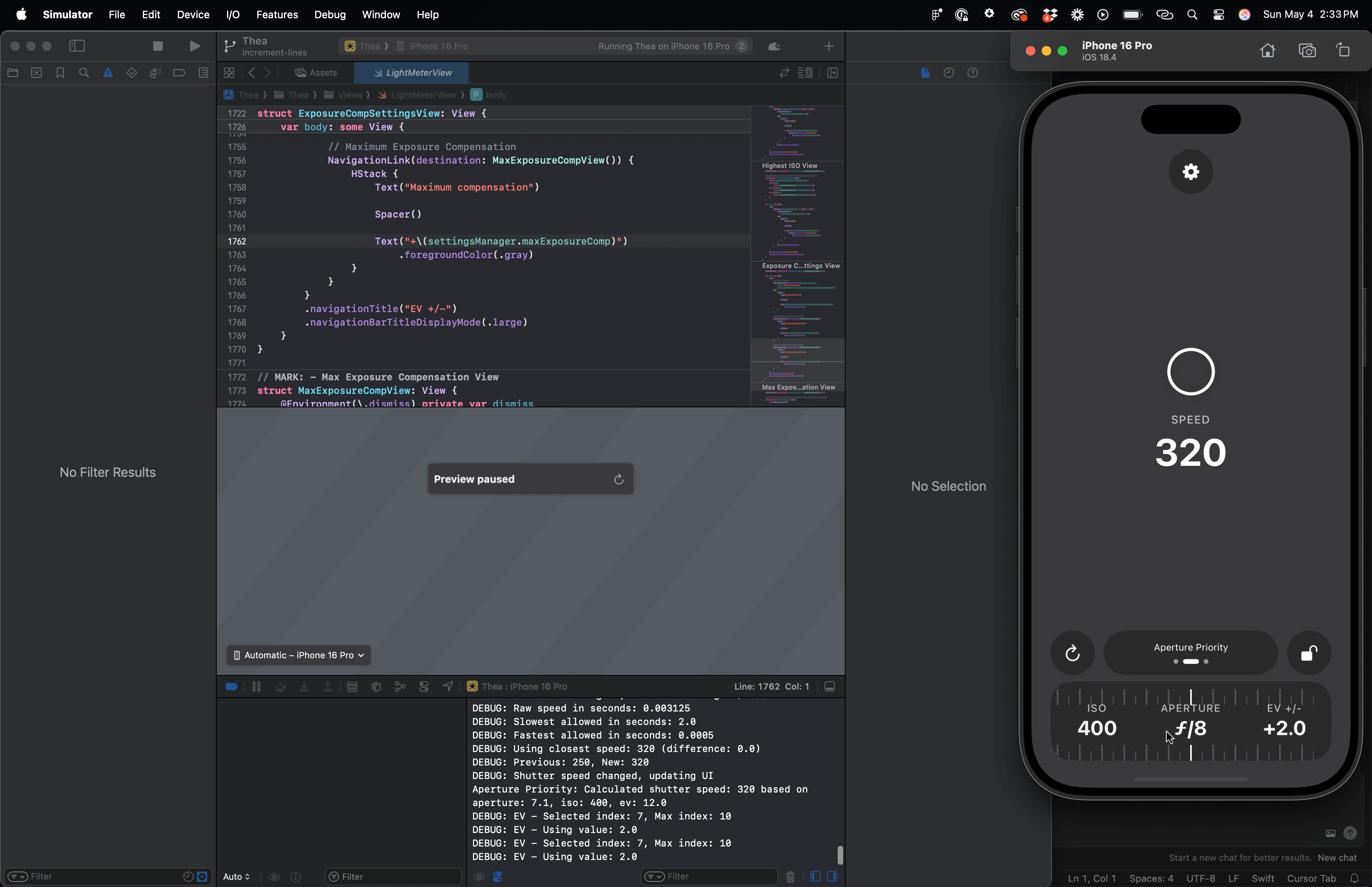
The main interface is clean and distraction-free. The camera view fills the background, and a circular metering zone in the center gives you direct feedback. You can switch between Aperture Priority, Shutter Priority, and Manual modes by swiping across a mode selector. A bottom bar lets you quickly drag to change exposure values. There’s also haptic feedback to make the whole experience feel tactile and responsive — almost like clicking a dial on a real camera.
And yes, it includes a flip camera button and a subtle lock icon to freeze your meter reading when needed. No surprises, just control.
Built with Native Tools
I built Thea using SwiftUI and AVFoundation, fully native from top to bottom. One of the biggest challenges was replicating that smooth, iOS-style flip animation when switching cameras. I wanted the transition to feel just like Apple’s Camera app — seamless and satisfying. That meant freezing the current frame, animating a flip, and only then switching the capture session behind the scenes. It’s small details like this that make the app feel truly polished.
What’s Next
There’s a settings screen coming soon (hidden behind the gear icon) where you’ll be able to customize behavior, switch between metering modes, or toggle advanced features like a histogram overlay. But for now, Thea is focused on doing one thing exceptionally well: helping you meter light.
⸻
If you shoot film, give it a try. Thea is available now on the App Store (soon!). And if you have feedback, I’d love to hear it — Thea is for photographers, and it’ll grow with the community.
